Search Options
Search options control whether the advanced filters appear in the search UI (file vs folder, categories, size and date limits, and preview thumbnails in results). The search field, source selector, and results list stay available either way.
Users change this under Settings → Profile in the Search options section (when settings are not disabled for the account).
Administrators set the default for new users with userDefaults.disableSearchOptions in the instance configuration (false means filters are available).
For how search behaves—context, filters, results, and shortcuts—see Search.
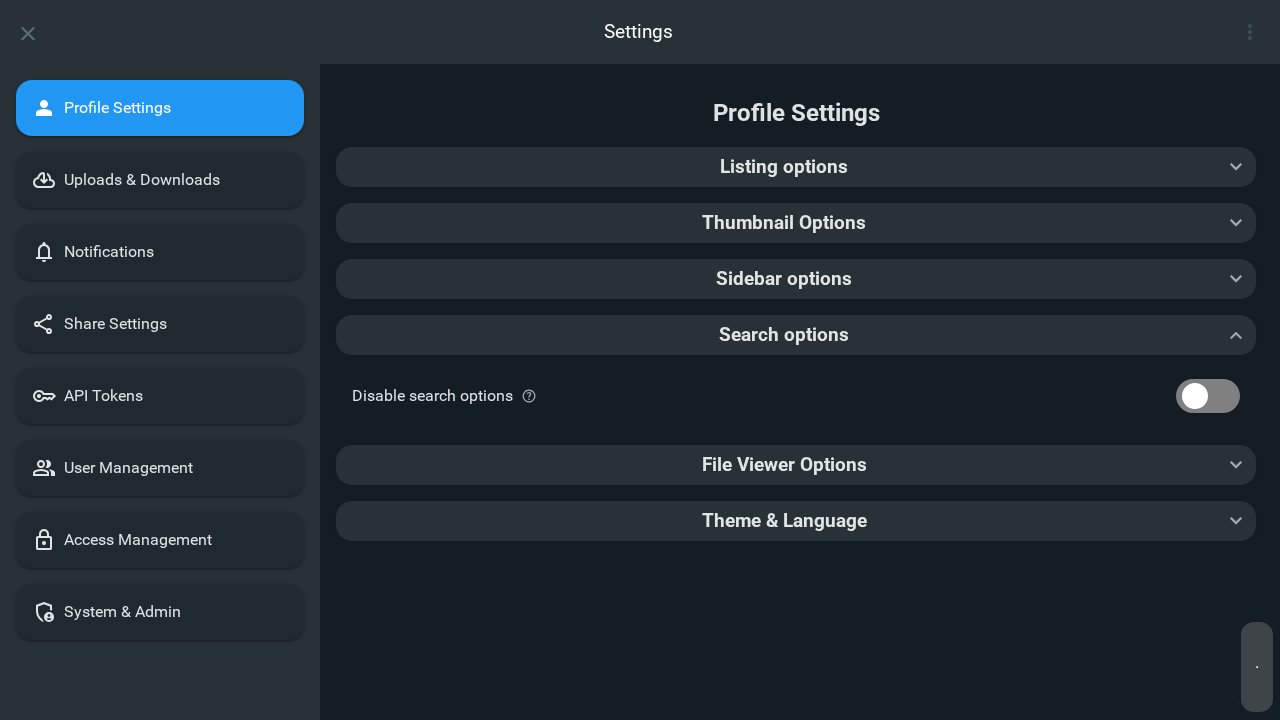
Disable search options
Configuration: userDefaults.disableSearchOptions
When enabled, this setting hides the search options region in the search panel: the filter button groups (folders vs files and file categories), size and date constraints, and the Show preview images toggle for results.
When disabled (default), those controls behave normally—including Show Options on mobile to expand filters.
The generated config describes this as disabling the search options in the search bar.