Previewing Files
FileBrowser includes powerful built-in viewers for a wide range of file types, letting you preview and edit content without downloading files to your device.
Quick Preview
Click any file to open it in the appropriate viewer. FileBrowser automatically detects the file type and opens it with the best viewer available.
Supported File Types
Text Files & Code
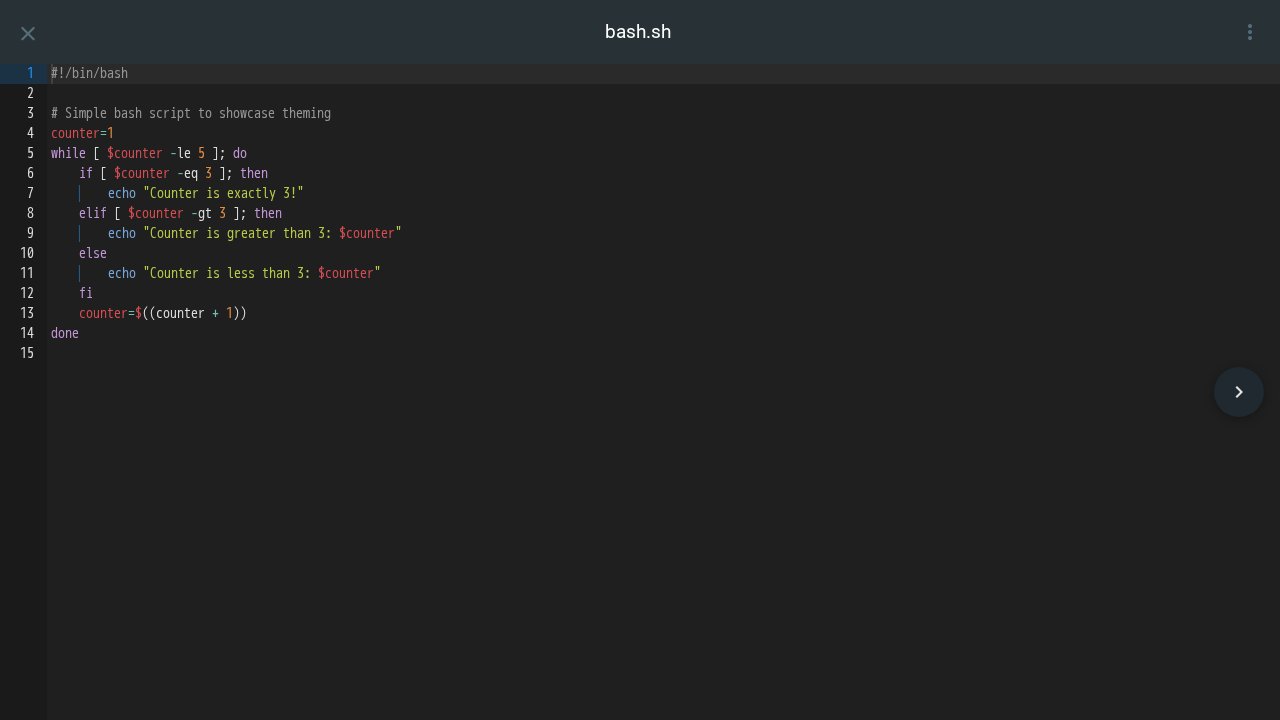
The Text Editor provides syntax highlighting and editing capabilities for code and text files:
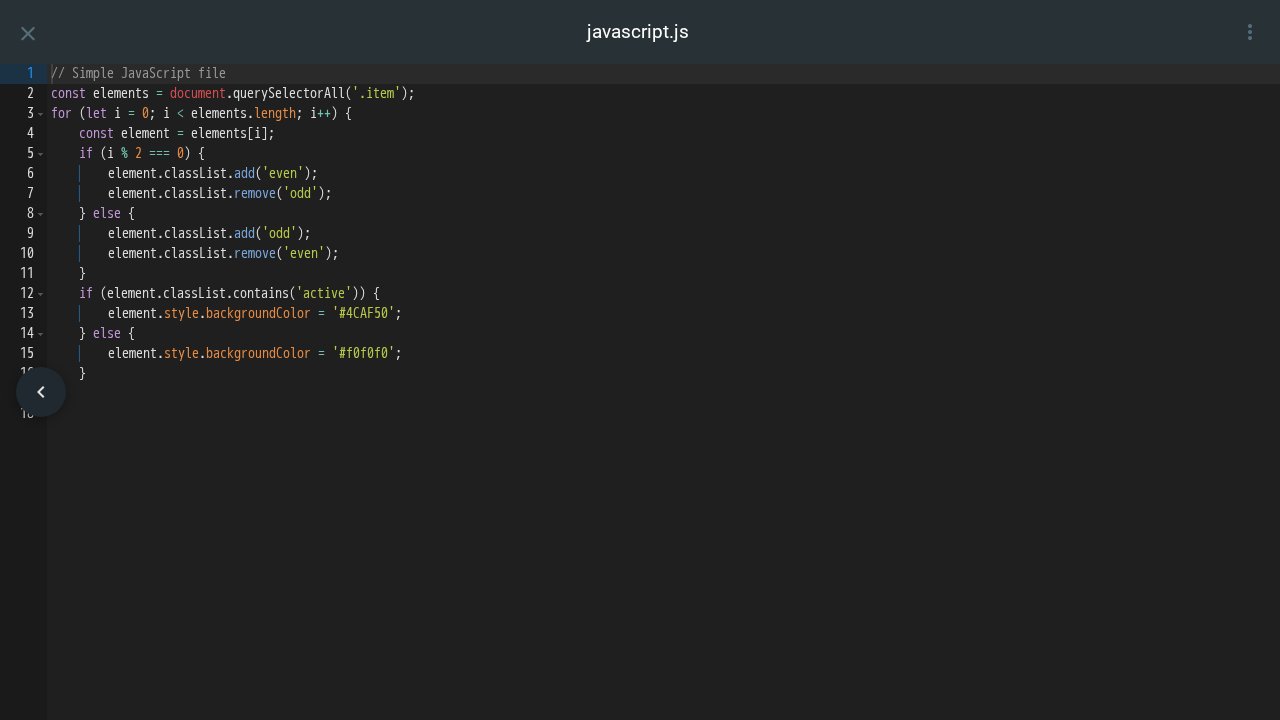
File compatibility:
- Any UTF-8 compatible text file under 25MB can be viewed and edited
- Automatic syntax highlighting for hundreds of programming languages
- Supports all common text-based formats: source code, config files, scripts, logs, markdown, and more
Features:
- Syntax highlighting for hundreds of programming languages
- Line numbers for easy navigation
- Code editing with save functionality
- Dark and light themes that match your system preference
- Search and replace within the editor
- Keyboard shortcuts for common operations
Images
The Image Viewer displays photos and graphics with smooth navigation:
Supported formats:
- whatever your browser’s supported formats are
.heic,.heif- viewable natively on Safari; other browsers require media integration- Raw formats:
.raw,.cr2,.nef,.arw,.dng,.orf, and others (requires v1.3.0+)
HEIC/HEIF Support: These Apple image formats work natively in Safari. For other browsers, enable HEIC conversion in the media integration.
Raw Image Support (v1.3.0+): Camera raw formats (CR2, NEF, ARW, DNG, etc.) are supported as long as the file contains an embedded preview image, which is standard for most modern cameras.
Features:
- Full-screen viewing with zoom controls
- Navigate between images using keyboard arrows or on-screen buttons
- Automatic slideshow through image galleries
- SVG support for vector graphics
- EXIF data display for photos (when available)
Videos
The Media Player provides a full-featured video watching experience:
Supported formats: Whatever your browser supports! see compatibilty matrix.
Features:
- Subtitle support - using subtitle sidecar files or embedded subtitles (when enabled).
- Picture-in-picture mode (on supported browsers)
- Keyboard shortcuts for quick control
Audio
The Audio Player offers a beautiful listening experience with album art and metadata:
Supported formats:
- Common:
.mp3,.m4a,.ogg,.wav,.flac - Advanced:
.opus,.aac,.wma
Features:
- Album artwork display - automatically extracted from audio metadata
- Metadata display - shows title, artist, album, and year
- Playlist navigation - move between tracks in a folder
- Playback controls - play, pause, skip, volume
- Continuous playback through multiple tracks
PDF Documents
PDFs open in an embedded viewer right in your browser using your browser’s native PDF viewer. All features are browser dependant.
Markdown & HTML
The Markdown/HTML Viewer renders formatted documents:
Supported formats:
- Markdown:
.md,.markdown - HTML:
.html,.htm
Features:
- Rendered preview showing formatted content
- Table of contents generation (for markdown)
- Syntax highlighting for code blocks
- Link navigation (internal and external)
- Responsive layout adapts to screen size
EPUB & eBooks
The EPUB Viewer provides a comfortable reading experience:
Supported formats:
.epub- electronic book format.mobi- Kindle format (basic support)
Features:
- Chapter navigation with table of contents
- Adjustable text size for comfortable reading
- Bookmarking to save your reading position
- Page turning with keyboard or touch gestures
- Responsive layout optimized for different screen sizes
Office Documents (Basic)
The Document Viewer provides basic preview for Microsoft Office files:
Supported formats:
- Word:
.docx - PowerPoint:
.pptx(limited) - Excel:
.xlsx(limited)
Note: This is a basic viewer that shows document content but doesn’t preserve all formatting. For full document preview and editing capabilities, see OnlyOffice Integration Guide
3D Models
Requires v1.3.0+.
The 3D Model Viewer lets you inspect and rotate 3D objects:
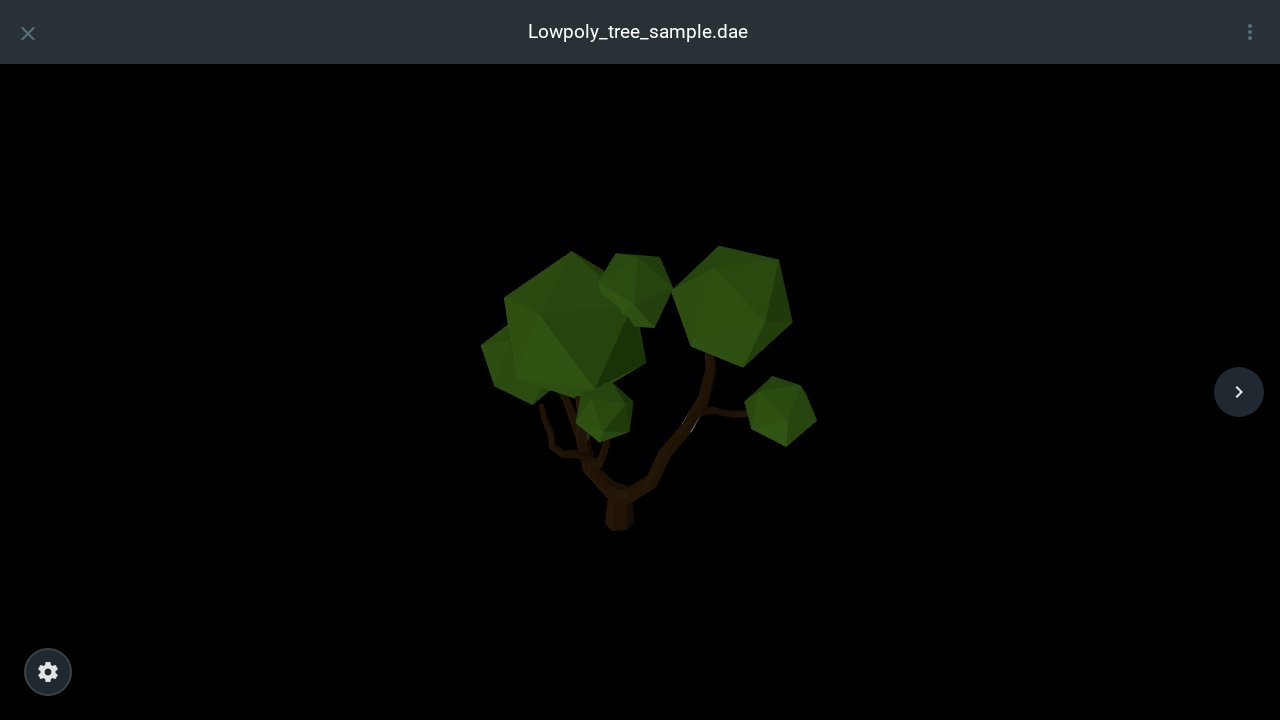
Supported formats:
.obj- Wavefront object (with optional.mtlmaterials).stl- Stereolithography (commonly used for 3D printing).gltf,.glb- GL Transmission Format.dae- Collada format.ply- Polygon file format.3mf- 3D Manufacturing Format.3ds- 3D Studio Max.usdz,.usd- Universal Scene Description (Apple AR format).amf- Additive Manufacturing Format.wrl,.vrml- Virtual Reality Modeling Language.vtk- Visualization Toolkit format.pcd- Point Cloud Data.xyz- XYZ point cloud format.vox- MagicaVoxel format.kmz- Keyhole Markup Language (Google Earth 3D)
Features:
- 360° rotation - click and drag to rotate the model
- Zoom controls - mouse wheel or pinch to zoom
- Auto-rotation spacebar to start/stop auto-rotate
- Reset view to return to original orientation
Advanced Office Integration
For full-featured document editing, FileBrowser integrates with OnlyOffice Document Server:
OnlyOffice Features
When OnlyOffice is enabled, you get:
- ✅ Full document editing - edit Word, Excel, and PowerPoint files
- ✅ Real-time collaboration - multiple users can edit simultaneously
- ✅ Rich formatting - all formatting options preserved
- ✅ Comments and track changes
- ✅ Create new documents from templates
- ✅ Share with editing permissions
Learn how to set up OnlyOffice integration: OnlyOffice Integration Guide
Files Without Preview
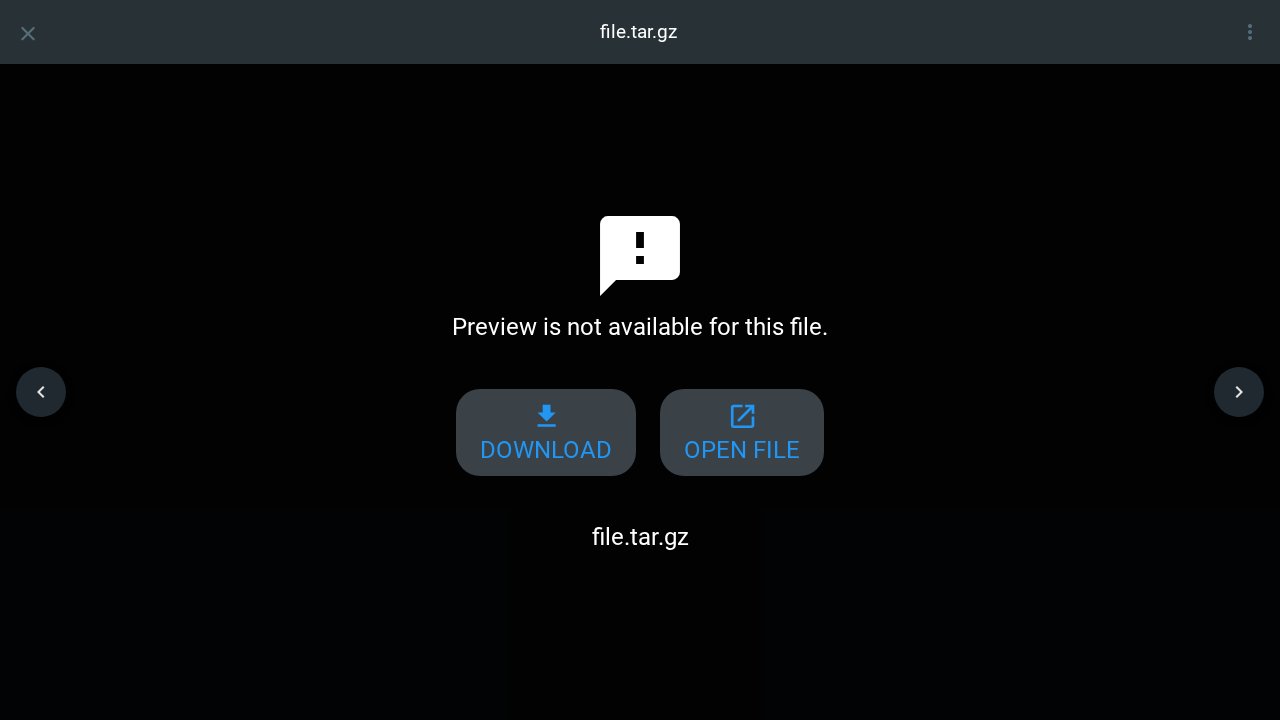
Some file types don’t have built-in preview support.
If the user can download, they will see a simple viewer like this:
Editing Files
Many viewers support editing:
- Text Editor - Edit any text-based file and save changes
- OnlyOffice - Full document editing (when enabled)
Changes are saved back to the file immediately when you press save.
Permission required: You must have modify permissions for the file to enable editing. Files open in read-only mode if you only have read access.